OwlyGPT in Create
Details
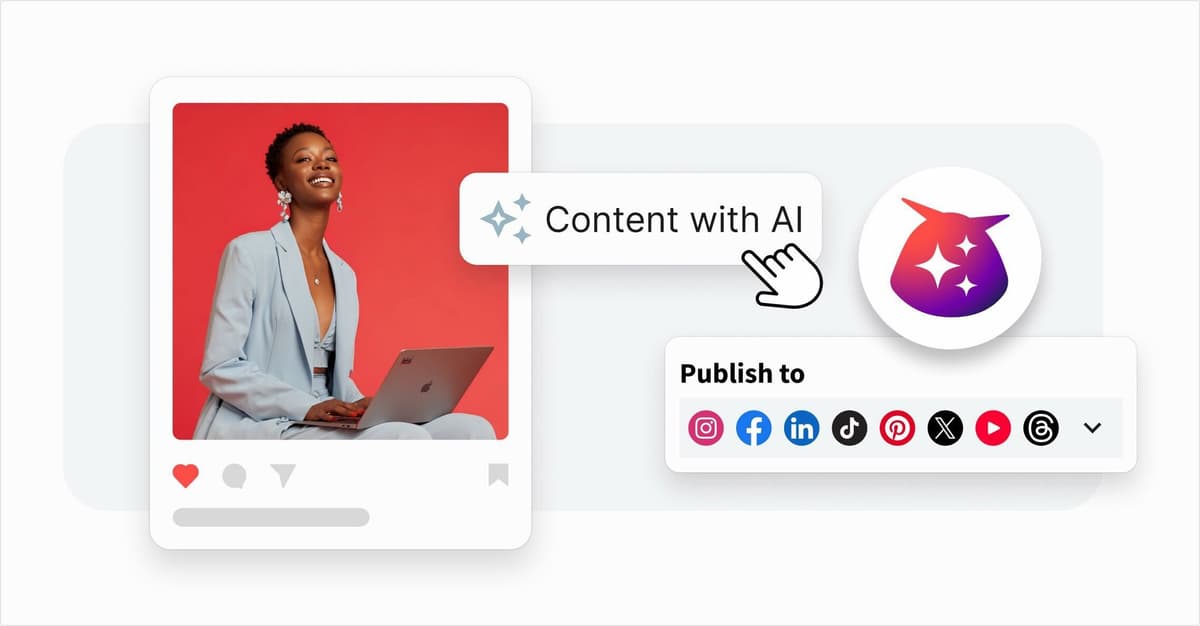
OwlyGPT can detect your selected accounts and review your post to help draft, refine and adjust tone in real time.
OwlyGPT is now part of your everyday publishing workflow. With the new OwlyGPT side panel in Create, AI support lives directly alongside your post, so you can write, refine, and optimize content without switching tools or losing context. When users upload an image to Create, OwlyGPT can read that image and provide image captions, hashtags, and alt text. As you develop your content, OwlyGPT understands what you are working on and provides intelligent, real-time recommendations based on both your text and visuals. You can ask for edits, optimize tone or length, refine captions and hashtags, or chat through ideas, all within the same window where you create your post.
What’s new
OwlyGPT is embedded directly into Create as a persistent side panel, making AI an active companion instead of a separate tool. It listens in context and responds as your content evolves, helping you shape stronger posts while you work.
OwlyGPT is accessible from the left navigation bar and from the Welcome page under Start with AI, so you can begin working with it at any point.
Key benefits
You create content faster by getting real time suggestions and edits without leaving your workspace.
You stay focused because there is no need to switch tools or copy content back and forth.
You refine posts with confidence by adjusting tone, length, and clarity in context.
Why this matters
By embedding OwlyGPT directly into Create, Hootsuite brings AI exactly where you need it most. You can draft, polish, and optimize social posts in one seamless experience, turning everyday content creation into a faster, more confident, and more effective workflow.
Please complete the form to learn more
* indicates required fields
Related updates
Inbox Conversation routing
Inbox Conversation Routing keeps all customer messages in one place, so you always see the full conversation, no matter where it started.
Mobile-Per-Network Editing
Mobile Per-Network-Editing lets you tailor posts for each social network directly on your phone so you can publish confidently.
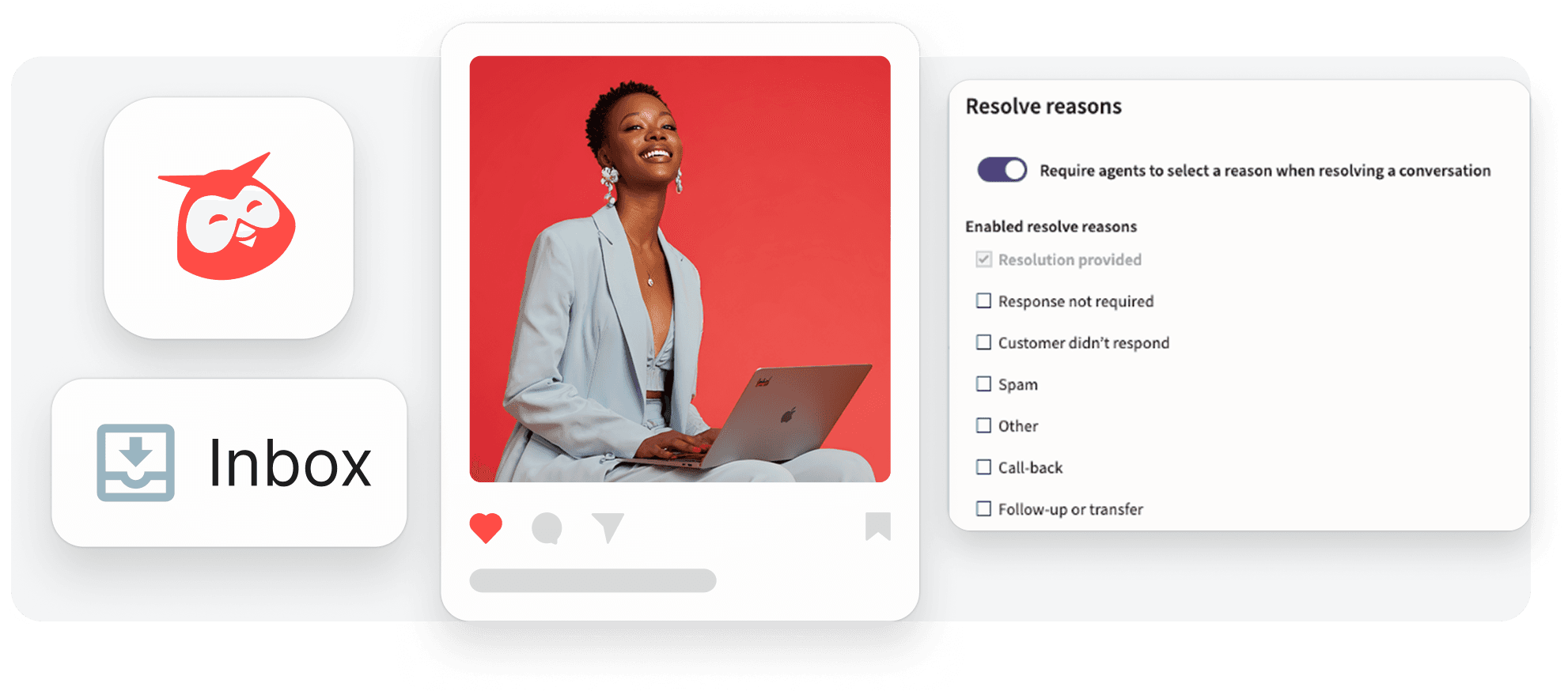
Customisable Resolve Reasons in Inbox
Greater flexibility to customize the Inbox and create numerous custom resolve reasons allows you to align the tool with your specific workflows and gain deeper insights into customer conversations.
Interested in learning more with Hootsuite?
Request a demo